

Open live preview
Click the button in the toolbar to open a live preview in a new tab.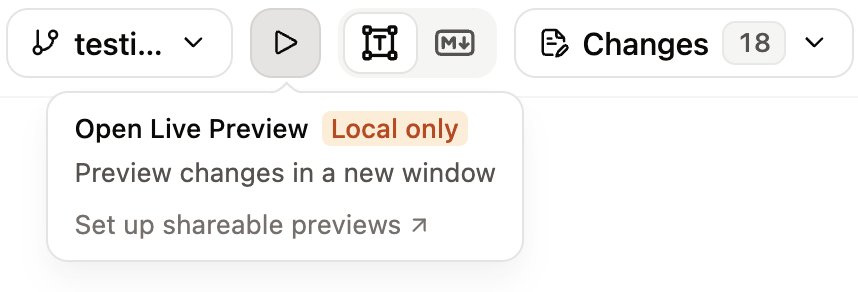
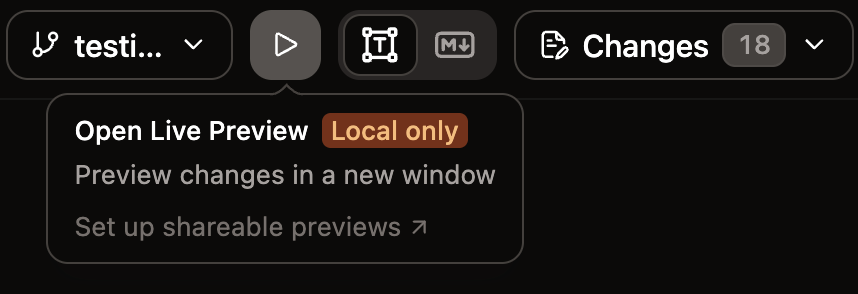
Live preview is only available for public documentation. If your documentation requires authentication, the editor displays a “Live preview unavailable” message.
Live preview versus preview deployments
| Live preview | Preview deployment | |
|---|---|---|
| Speed | Instant | Requires build time |
| Access | Local URL | Shareable URL |
| Use case | View changes while editing | Share with team for review |
| Availability | While the editor is open | As long as the branch exists |